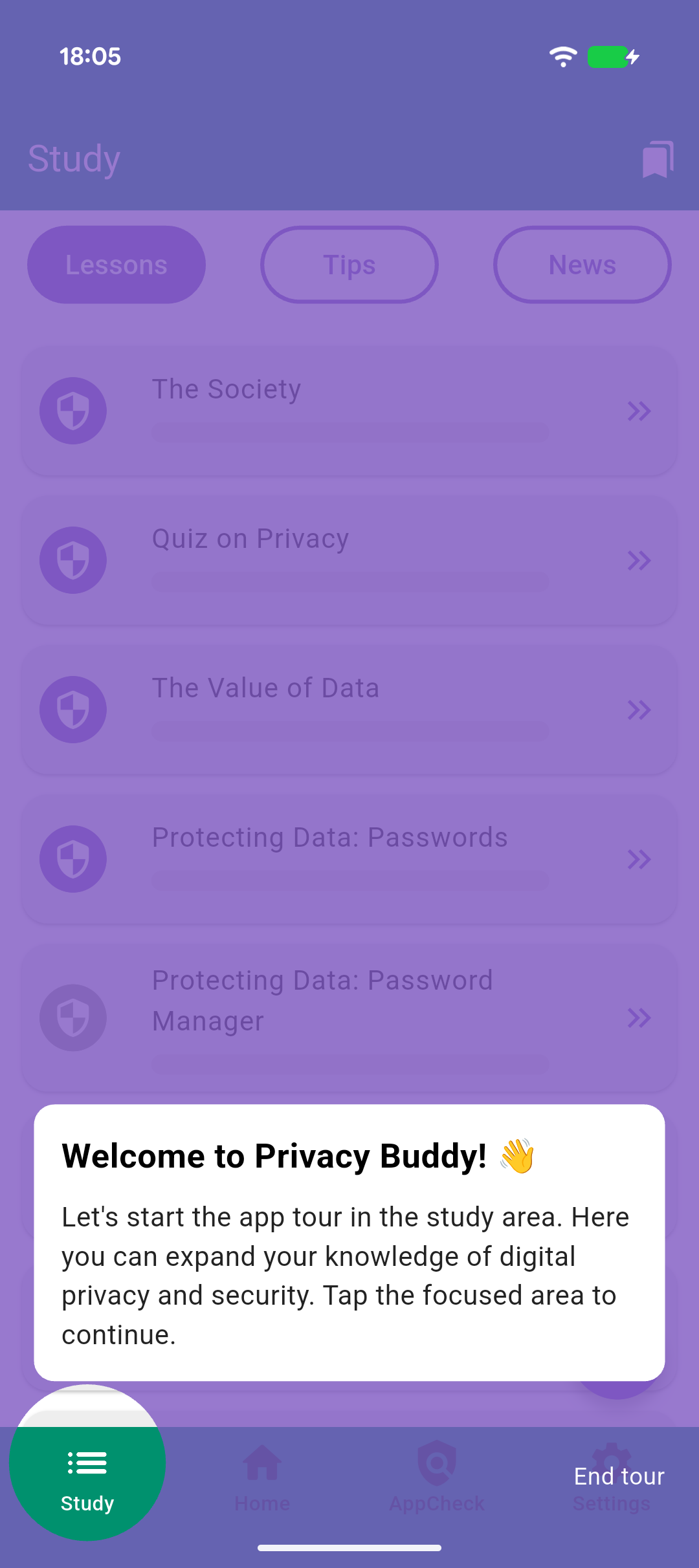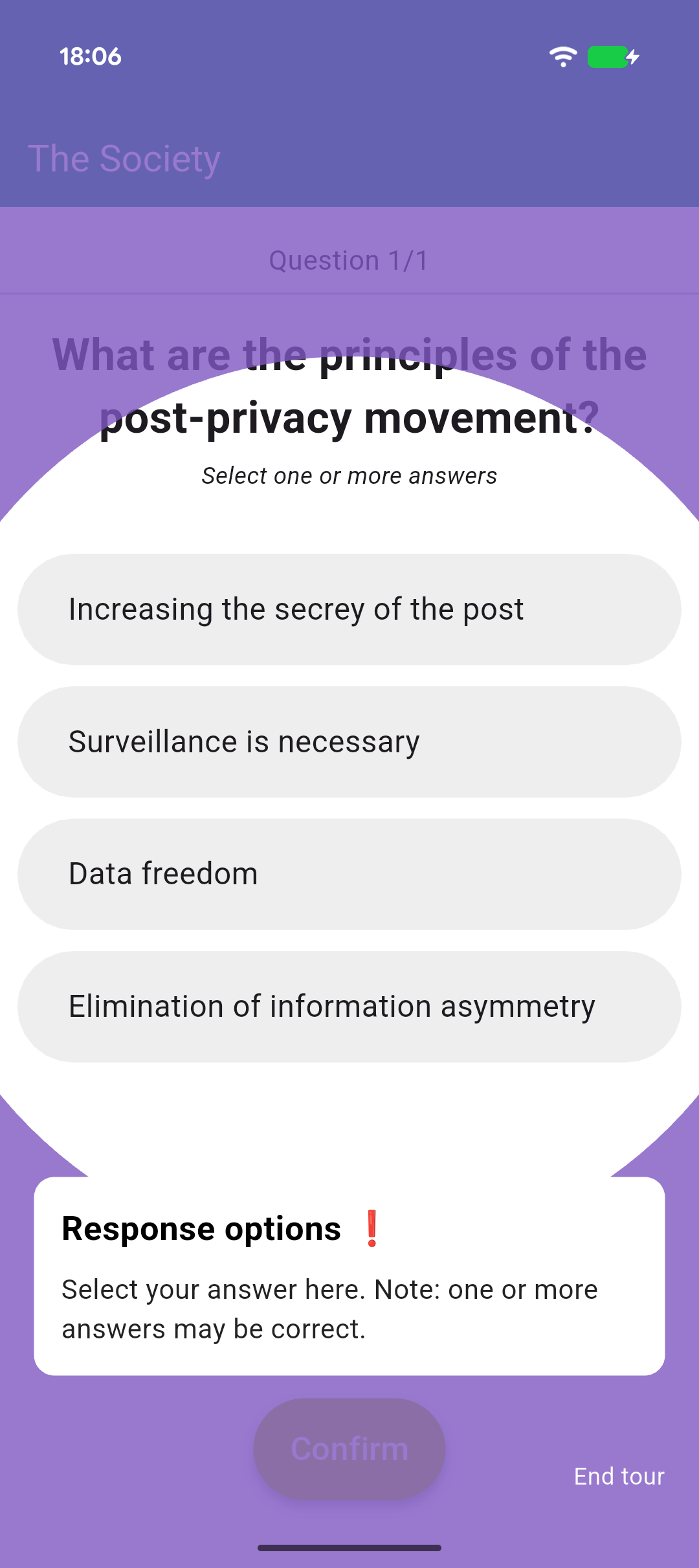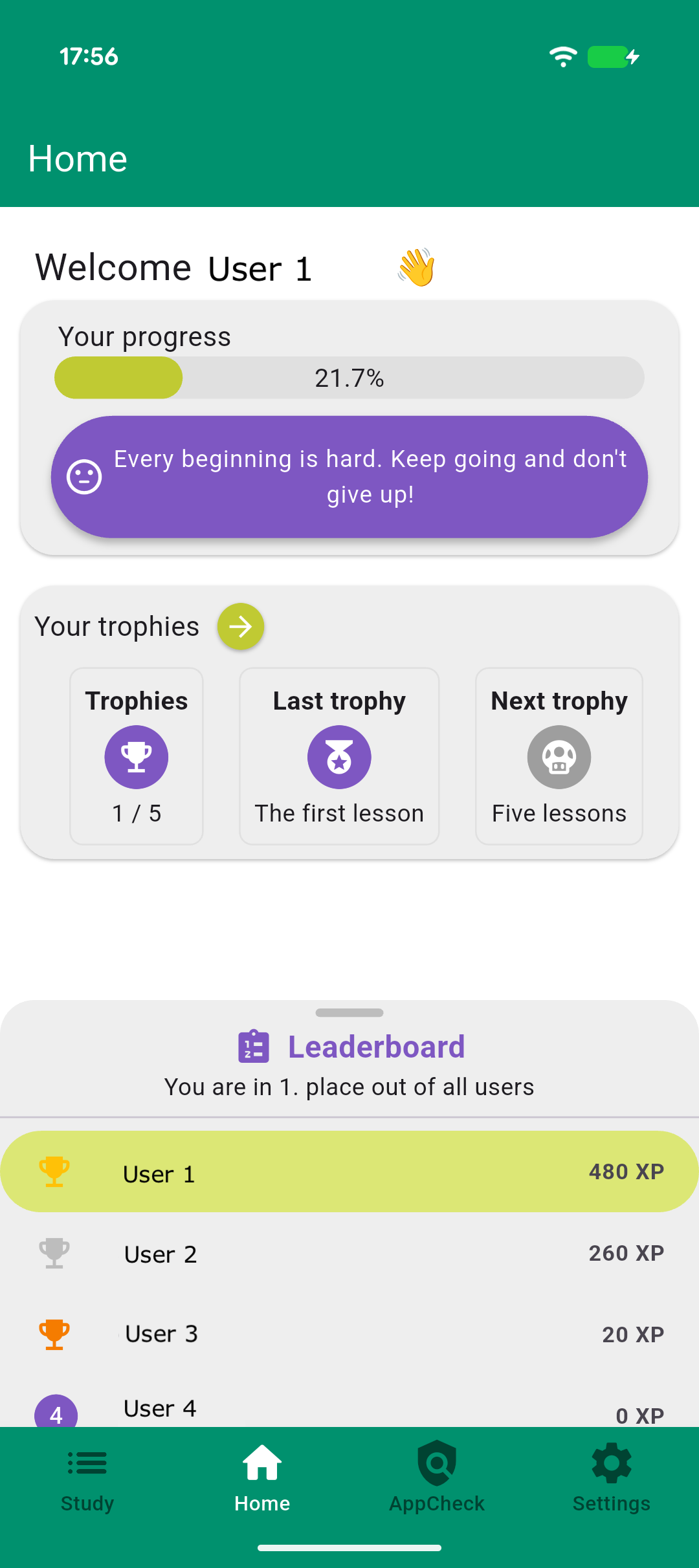
Privacy Buddy is distributed through our own F-Droid repository, which makes it easy to install the app and receive updates automatically.
Install in three steps
- 1
Install an F-Droid client
If you don't already have it, install the F-Droid app from f-droid.org. You may need to allow installing apps from unknown sources.
- 2
Add the PIONEER repository
In F-Droid open Settings → Repositories → Add repository and enter the address and fingerprint below.
Add repository automaticallyRepository addresshttps://privacybuddy.peasec.de/fdroid/repoFingerprint (SHA-256)423EA9EA578EA62B12A03F901AE1951A1EA6A01ECF1B5C4AF6B8EA0305987A3EOpens your F-Droid client with the repository pre-filled (if supported).
- 3
Install Privacy Buddy
Search for Privacy Buddy in F-Droid and tap install. Updates will arrive automatically through F-Droid from then on.
Prefer a direct download?
You can also download the signed APK directly and install it manually. Note that you won't receive automatic updates this way.
Screenshots